Written by
Hamish Thomson
Published on
November 23, 2026

Different workplace safety software solve different problems.
A warehouse manager may need workers to report hazards from the floor. An enterprise safety team may need one system for incidents, risk and audits. A hospital network may need every employee to understand the emergency procedures for the building they actually work in.
So the best workplace safety software depends on where the safety work happens and what your team needs to prove.
This guide is published by Locatrix, which provides emergency preparedness software for large, complex organisations. We compare Locatrix with five other workplace safety platforms according to their strongest use cases, features, pricing and suitability. The comparison is based on publicly available product information checked in November 2026. Features and prices can change, so confirm current details before making a purchasing decision.
Pricing checked in November 2026. Packaging and prices can change, so confirm current terms before purchasing.
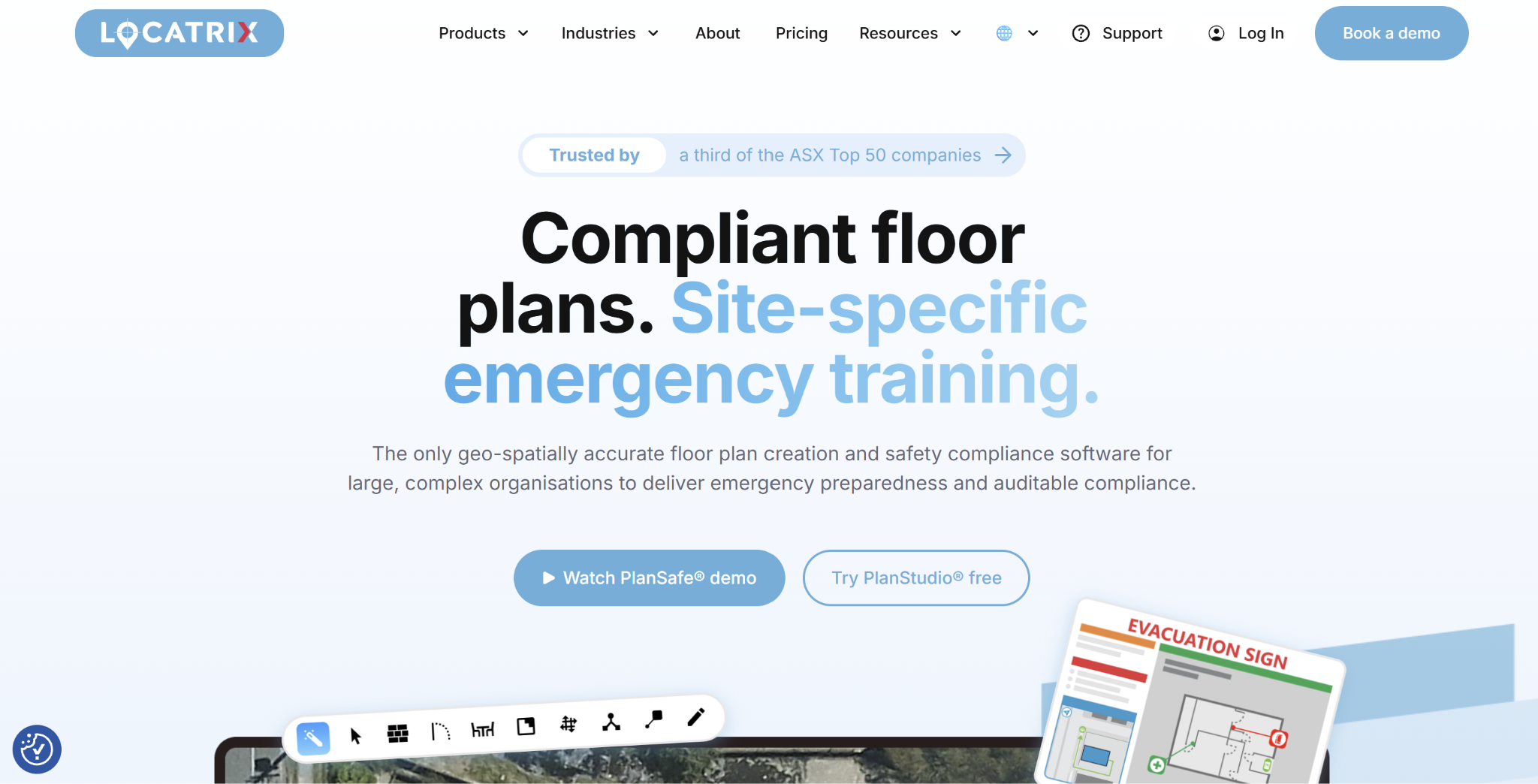
Typical workplace safety systems start with incidents, hazards or checklists. Locatrix starts with the building and the people inside it.
PlanStudio® creates and maintains spatially accurate digital floor plans and evacuation information. PlanSafe® uses that building information to deliver site- and role-specific emergency preparedness training and maintain auditable records.
The approach works well where workplace safety depends on people knowing what to do in a specific hospital, aged care facility, university campus, government building or other complex site, rather than completing the same generic safety module everywhere.
Locatrix is specialised, not a broad EHS platform. Its strongest workplace-safety capabilities centre on making emergency information accurate, site-specific and easier to keep current across a large building portfolio.
A generic fire-safety module can tell someone what an extinguisher is or what to do when an alarm sounds.
It cannot automatically tell an employee which exit applies to the floor they work on, where their assembly area is, or what responsibilities they have as a warden.
PlanSafe® is built around that distinction.
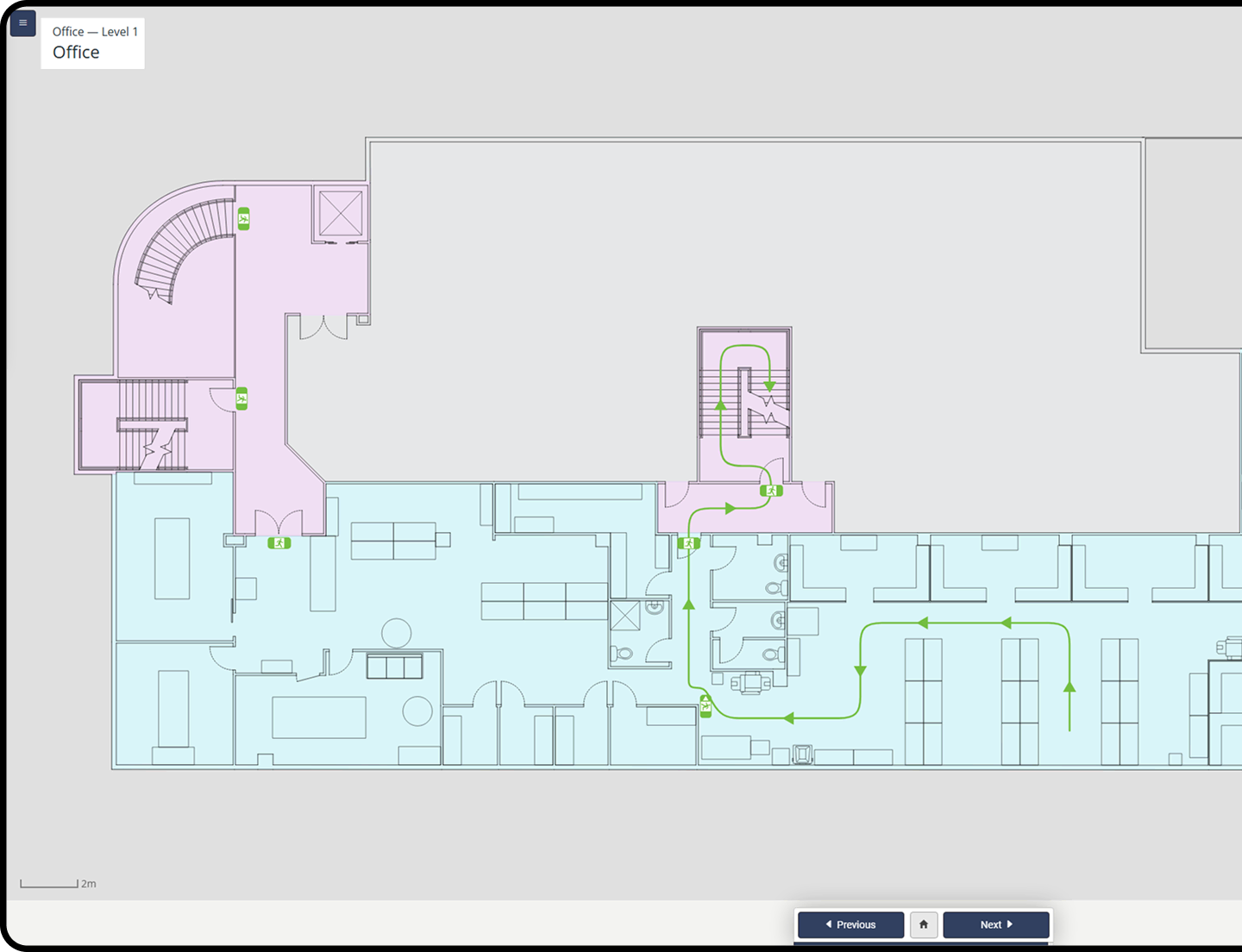
Training can be tailored according to the employee’s site and role, so an everyday occupant can receive different information from a contractor, warden or Emergency Control Organisation (ECO) member. When PlanSafe® is used with PlanStudio®, relevant floor plans and evacuation information can be incorporated into the learner experience.
Online delivery also helps organisations train shift workers, contractors and geographically dispersed teams without relying entirely on scheduled classroom sessions.
Children’s Health Queensland provides one example of safety training done right. More than 3,000 staff, contractors and wardens were trained in three weeks ahead of the opening of Queensland Children’s Hospital. The organisation later reported training completion increasing from around 30-40% to about 86%.
For large employers, site-specific online training provides a scalable knowledge layer alongside practical exercises or drills where those are still required.
Training only stays useful if the building information behind it stays current.
A refurbishment can move a wall. A department can change floors. Fire equipment can be relocated. An exit can change.
PlanStudio® gives safety and facilities teams a structured way to maintain spatially accurate digital floor plans, evacuation diagrams and fire-safety asset information, removing the need to keep each diagram as an unrelated static file.
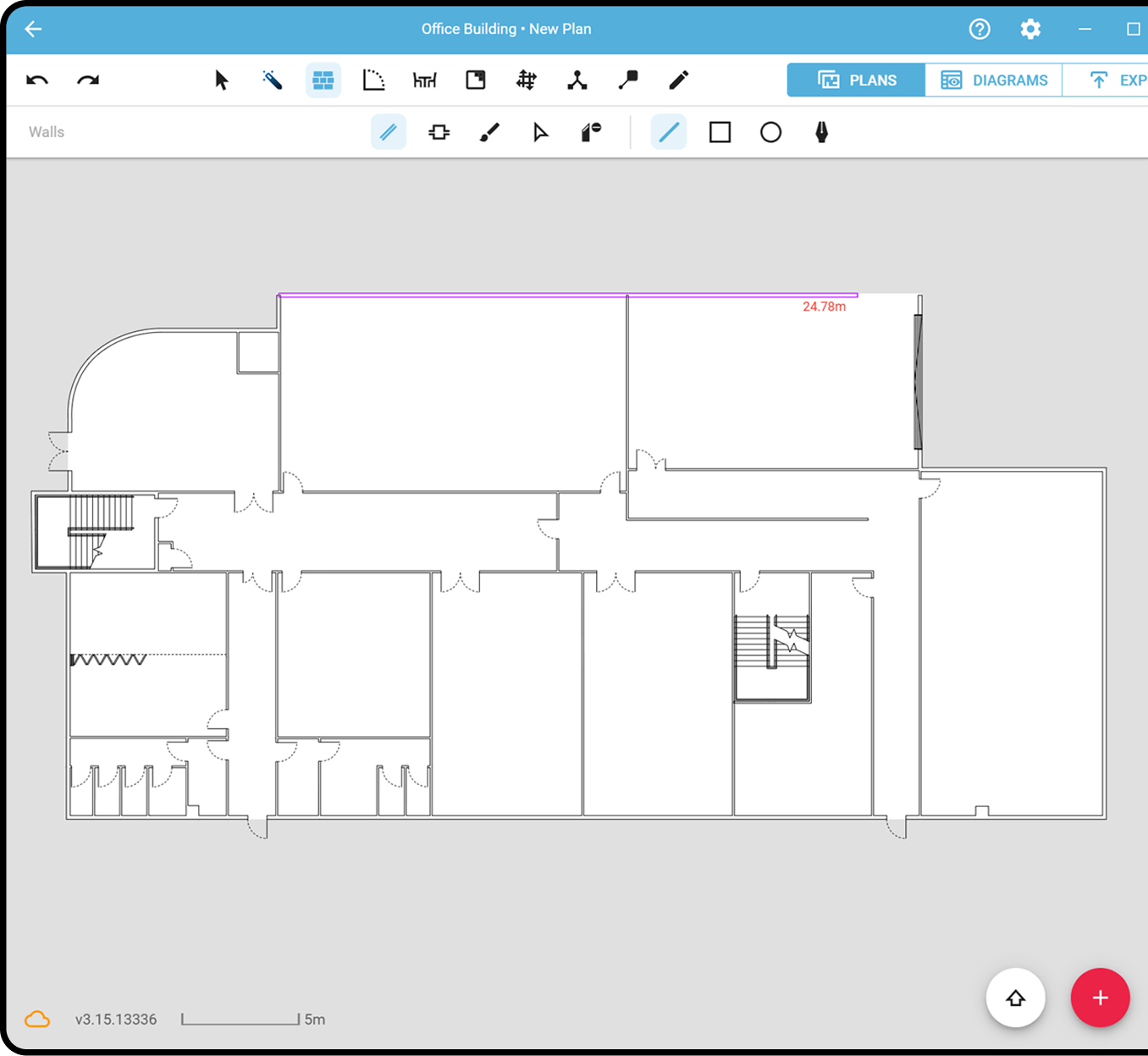
Teams can draft through a browser or iPad, use satellite imagery to position building information accurately and maintain plans in a central cloud environment with version history.
When the underlying building plan changes, affected evacuation diagrams can be updated from the maintained information instead of recreating the same change across multiple files.
Complex portfolios benefit most from this workflow because refurbishments, new sites and operational changes can otherwise create several disconnected versions of the same building information.
James Cook University, for example, reported that some simple floor-plan updates that previously took up to six months can now be completed in as little as one hour.
“What once took months can now be completed in a week – and simple updates can be done in under an hour. Because the system is so easy to use, we can make updates on the spot using an iPad while we’re in the building,” explains Zac Holland, WHS Support Officer (Fire & Emergency), JCU
For a central safety team, one of the hardest questions is often surprisingly simple: Which sites are current, and where are the gaps?
PlanSafe® provides central visibility into training completion by site and role, with current and historical records available for reporting. Administrators can see who completed training, when they completed it and which training applied to them.
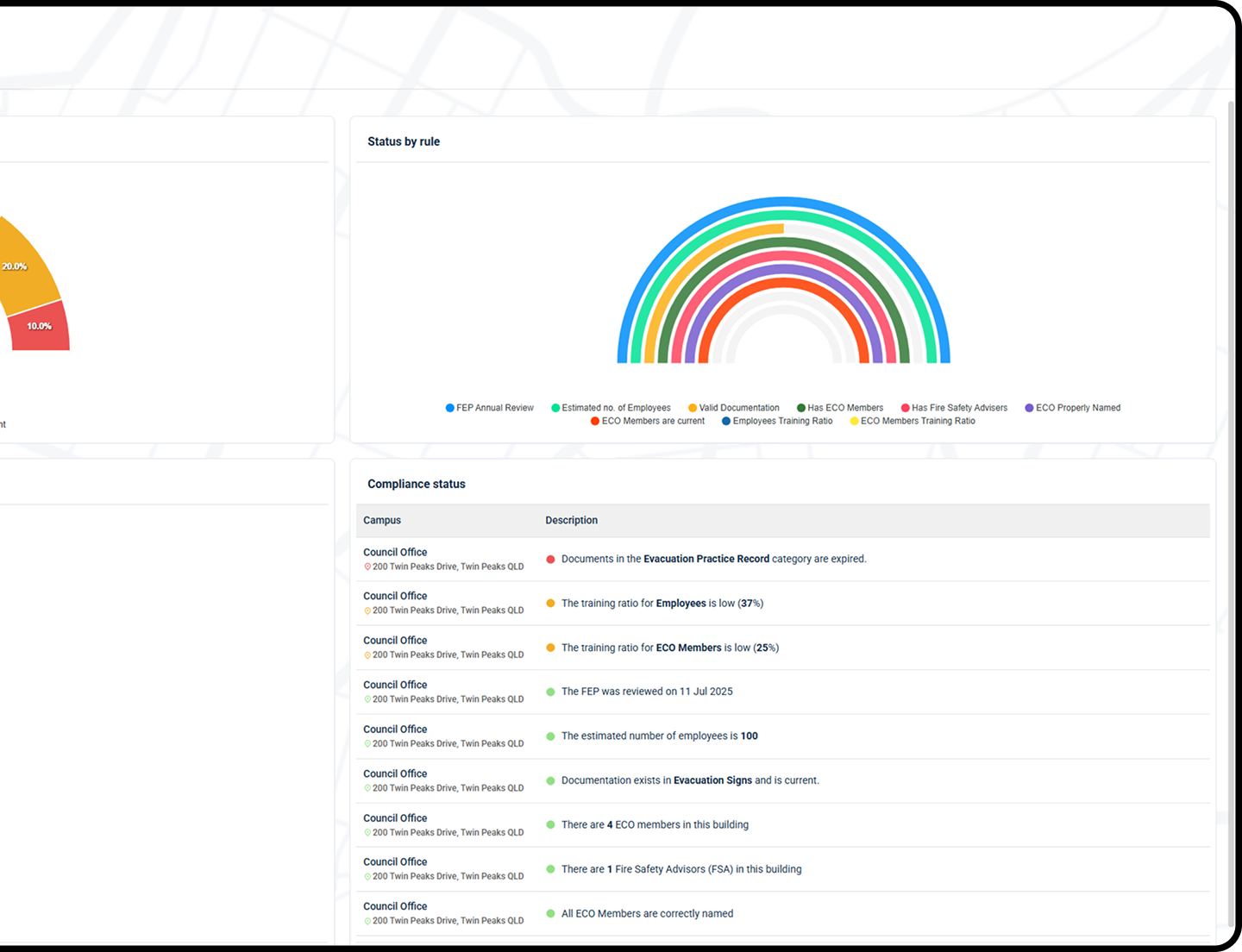
Central records can reduce the time spent pulling evidence together from spreadsheets, attendance sheets, emails and local site folders.
The platform can also work alongside existing learning infrastructure. PlanSafe® supports SCORM 1.2, with SCORM 2004 available on request, as well as Single Sign-On (SSO) options including ADFS, SAML and OIDC.
Locatrix is ISO/IEC 27001 certified, while its core products are hosted in Microsoft Azure Australia East and Australia Southeast.
Organisations with an existing enterprise Learning Management System (LMS) can use Locatrix for the specialist emergency-preparedness layer without automatically replacing their wider learning environment.
As of November 2026, Locatrix pricing is quote-based for both PlanStudio® and PlanSafe®. A 30-day free trial is available for teams that want to test the drafting workflow in PlanStudio®.
Fraser Coast Regional Council uses Locatrix across 42 sites to support emergency and fire-safety induction, annual training and compliance for a workforce of more than 1,000 staff.
“Locatrix provides Council with a visual, easy to use and accessible platform to manage emergency and fire safety induction, annual training and compliance. Locatrix is enabling Council to provide a safe work environment by improving and better managing its emergency procedures through the utilisation of Locatrix as a digital and centralised system,” explains Keith Parsons, Organisational Services Director, Fraser Coast Regional Council
Scenic Rim Regional Council uses PlanStudio® and PlanSafe® across 26 campuses, with 1,976 yearly active learners.
“It is a very intuitive system and method of delivering relevant training as well as emergency risk management compliance. The fact that the evacuation diagrams in the building are linked to the online training module with interactive floor plans of our actual buildings is a brilliant concept and one I have not seen previously,” says Paul Gillen, Work Health and Safety Coordinator, Scenic Rim Regional Council
Want to see how building information and site-specific emergency training work together? Book a demo to see how Locatrix can support workplace safety across your portfolio.
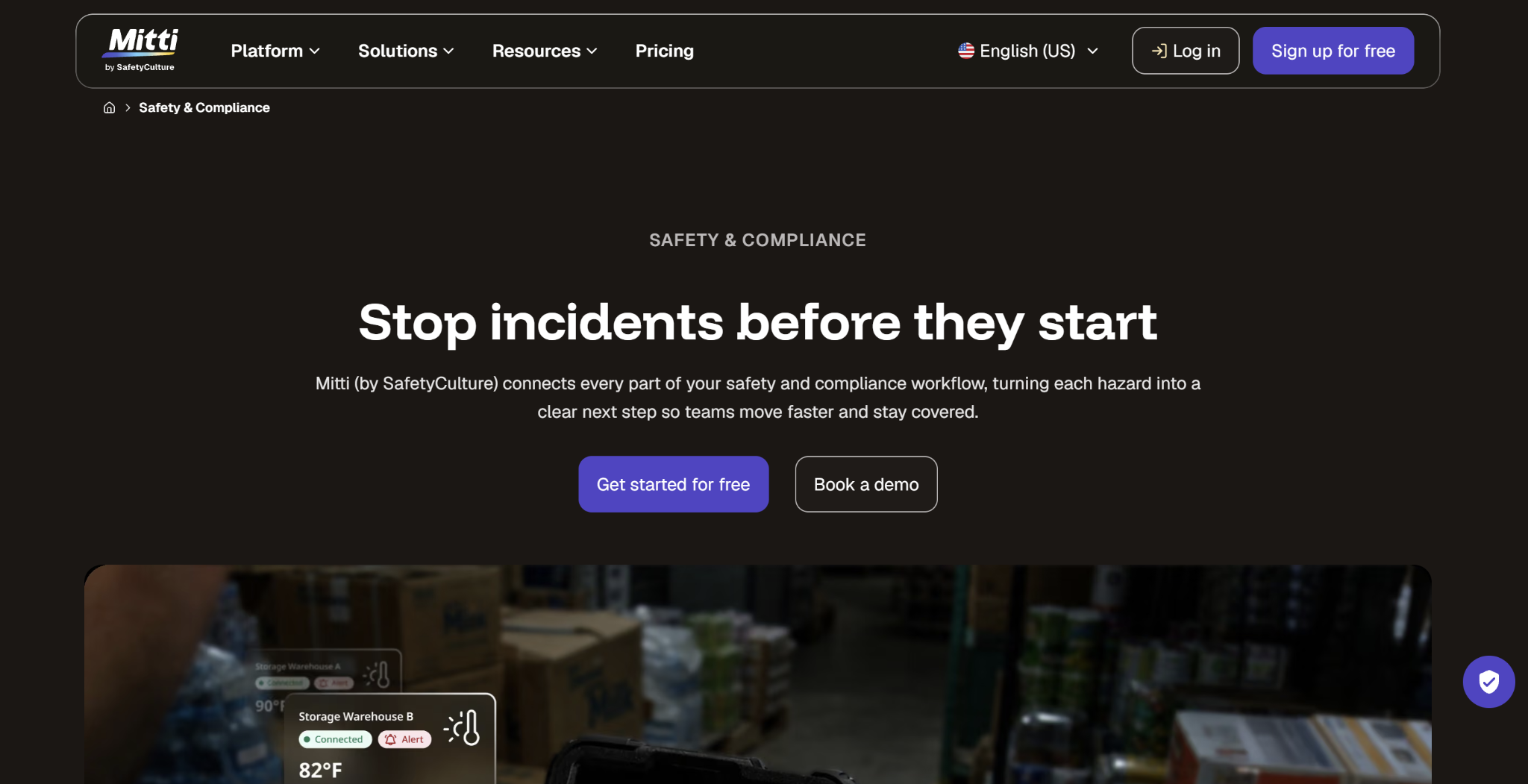
Mitti is a workplace-operations platform built for teams doing safety and operational work away from a desk. Its strongest workplace-safety fit is organisations that want frontline employees to contribute data directly instead of routing every task through a central safety team.
Teams can turn paper checklists into digital inspections, schedule recurring checks and complete them from phones or tablets.
Workers can add photos, videos, annotations and signatures, while supported mobile workflows continue offline and sync after connectivity returns. Inspection analytics can then surface scores and performance trends across the organisation.
Mitti can capture near misses, hazards, equipment problems and other issues with configurable fields and supporting evidence.
An issue can trigger an inspection, create an action, link to an asset or connect with an investigation for deeper analysis. Ownership and follow-up stay attached to the original record as the issue moves towards closure.
Administrators can assign training according to team, role, location or individual and track qualifications, certificates and expiry dates.
Digital training can sit alongside classroom sessions and practical assessments in the employee record. The same site structure used across Mitti can also help organisations organise assignments and content across different locations.
As of November 2026, the Free plan includes basic inspections, analytics, training, tasks and issue reporting for up to 10 users. Premium adds unlimited active inspection templates, advanced analytics and training, integrations, permissions and advanced security including SSO. For organisations with large workforces spread across physical sites, Mitti also offers location-based pricing.
“The automated report generation provides instant visibility for supervisors, allowing us to proactively track corrective actions and maintain high safety and quality standards without delayed administrative work.” - Jeremy nugiel N.
“What I find most frustrating with Mitti by SafetyCulture is its limited native webhook event coverage, clunky bulk export workflow, and inflexible seat-based permission boundaries, all of which create consistent bottlenecks for my month-end billing and audit work at Phoenix Commercial Groundworks Solutions LLC.” - Linden M.
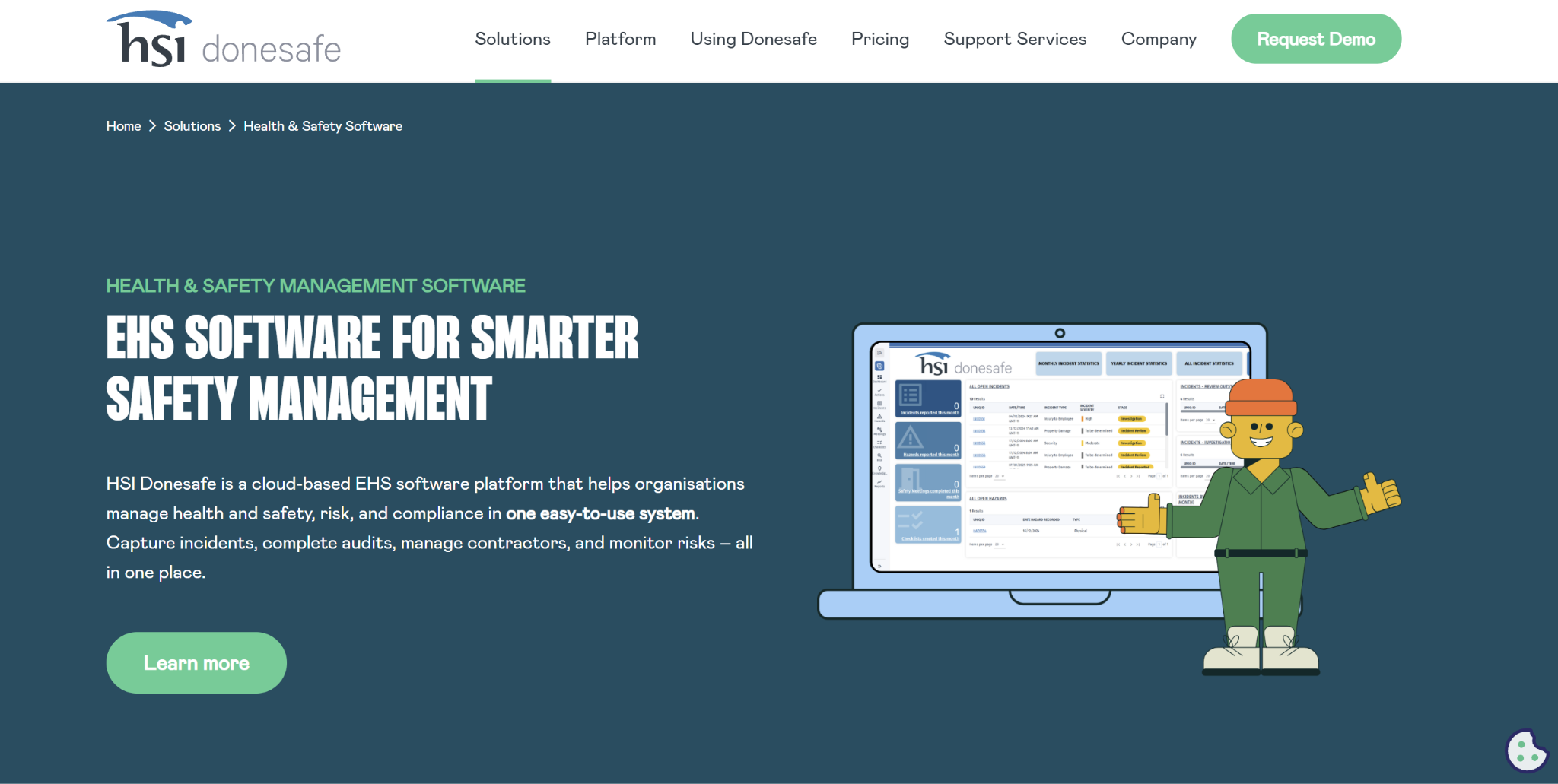
HSI Donesafe is a modular EHSQ platform aimed at organisations that want to manage several safety, risk, compliance, quality and environmental processes in one system. Its no-code model gives established EHS teams room to shape the software around existing processes rather than redesign those processes around a fixed application.
Workers can submit incidents and hazards with photos, video and other supporting information before the record moves through investigation and corrective action.
Incidents can connect with related risks, hazards, equipment, contractors and other modules. Investigation options include methods such as Root Cause Analysis, 5 Whys and ICAM.
Donesafe offers 60+ modules spanning risk, audits, contractors, chemicals, plant and equipment, training, injury management, psychosocial risk, emergency management, environment and quality.
Organisations can deploy selected modules first and expand the system as requirements change. Custom modules, forms, fields and workflows can also be created in its no-code environment.
Donesafe supports browser and mobile access across field and office environments.
Workers can complete safety activities while offline and synchronise data after connectivity returns. Organisations can also tailor the information and workflows available to different roles or locations.
As of November 2026, Donesafe uses custom subscription pricing. Pricing is primarily based on the number of workers in the organisation and the application modules selected, with implementation and additional support requirements also affecting the final quote. Organisations can start with one or several modules and avoid purchasing the entire EHSQ suite at once.
“I like that HSI consolidates our entire safety program into one place, making everything easier to manage. It's fully customizable, which is a big plus for us.” - Tyler J.
“The fact that you have to build each module. EHS is great because it is customizable but that is also its weak point. LMS can be confusing to understand and manage.” - Erik S.
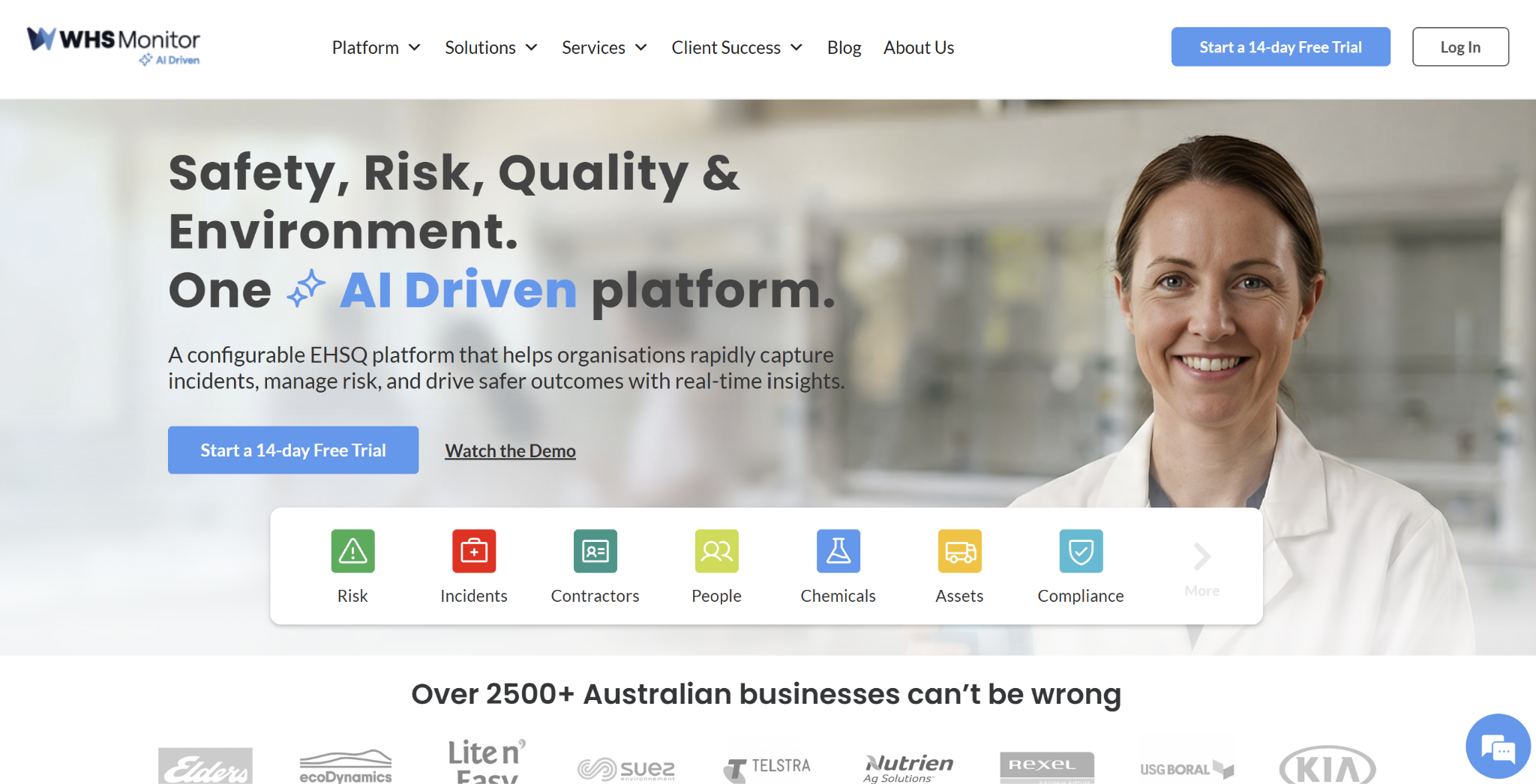
WHS Monitor is an Australian cloud-based platform built around Work Health and Safety (WHS) compliance. Its 140 configurable modules can be purchased individually or bundled into a broader system, giving organisations room to match the software to their existing safety program.
As of November 2026, WHS Monitor uses tailored pricing based on the organisation’s size and the modules required. Enterprise and larger organisations can select from its configurable modules, while smaller businesses can use scaled packages designed for teams of up to 100 employees. Standard accounts include implementation support, account management and access to support resources.
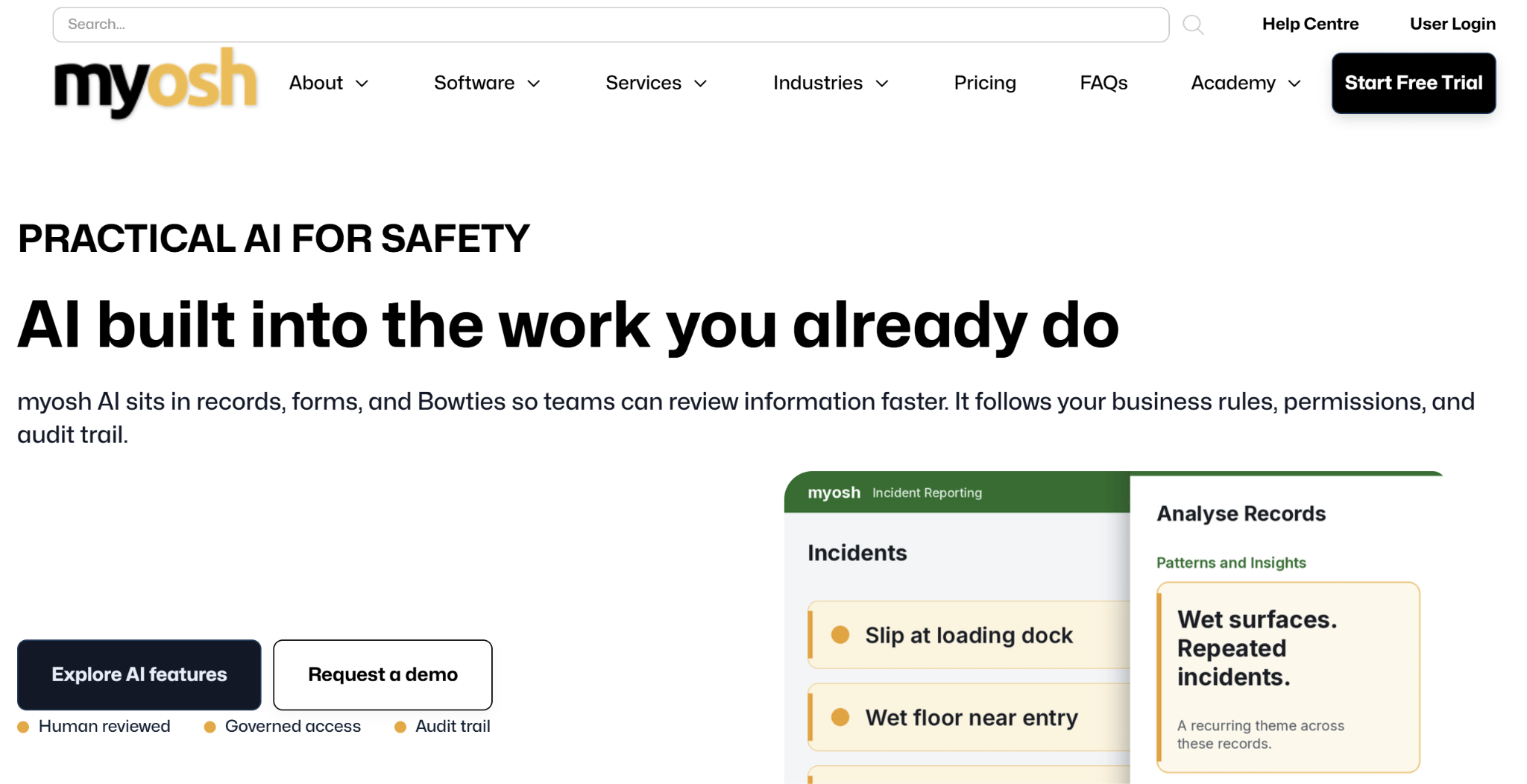
myosh is a configurable Health, Safety, Environment and Quality (HSEQ) platform with options ranging from standardised safety templates to fully tailored enterprise environments. Its deeper risk and critical-control capabilities suit organisations with established safety processes that need more control over how records, workflows and reporting operate.
As of November 2026, Classic includes myosh’s core modules for up to 10 users, while Classic Plus adds greater configuration support for medium and large organisations. Prices exclude GST. The Custom tier is designed for more complex enterprise requirements and can include advanced automation, API access, SSO, multilingual support and custom module development. Additional costs can apply depending on modules and user numbers.
Rapid Global is an Australian workplace-safety platform with a strong focus on controlling who enters a site and whether they are compliant before they arrive. Its connected products cover contractor onboarding, worker induction, access control, permits, incidents and audits.
As of November 2026, Rapid doesn't publish a standard price for its employer-facing workplace-safety platform. Rapid One uses user-based pricing based on the number of people an organisation typically needs to train, induct and provide workplace access to each month. The subscription combines Rapid’s WHS products under one invoice.
Start with the safety problem your team is responsible for solving. A broad feature count is of no use if you aren’t seeing how the software handles the real-world situations your organisation deals with every week. These four questions can help narrow the shortlist.
Some organisations need one system to manage incidents, hazards, risk, contractors, chemicals, audits and other workplace-safety processes. Platforms such as Donesafe, WHS Monitor and myosh are designed for that wider remit.
Other teams have a narrower but more complex problem.
Emergency preparedness, for example, depends on the building people occupy. Employees may need different evacuation information, emergency roles and procedures according to their site.
Locatrix focuses on this specialist layer. PlanStudio® maintains the underlying building and evacuation information, while PlanSafe® uses relevant information for site- and role-specific preparedness training.
If emergency preparedness is a major part of your safety remit, our guide to bespoke emergency plans explains why building-specific information becomes harder to manage as portfolios grow.
A safety system can look excellent from an administrator’s desktop and still create friction for the people expected to use it.
During a demo, test realistic frontline tasks:
For emergency preparedness, relevance is as important as access. Someone working in Building A needs information for Building A, not a generic course written for the entire organisation.
PlanSafe® delivers online training according to site and role, giving organisations a way to scale building-specific safety knowledge across shifts and locations. Our guide to online safety training explores where online delivery fits alongside practical exercises.
Initial implementation is only the beginning.
Workplaces change. People move roles. Contractors come and go. Procedures are revised. A refurbishment can alter a route or move safety equipment.
Ask each vendor to demonstrate how the platform handles change:
Building change deserves extra attention when evaluating emergency-preparedness software. An evacuation diagram and training content can both become outdated after the same refurbishment if they are maintained separately. Learn more about the best evacuation diagram software in our detailed comparison.
PlanStudio® and PlanSafe® can keep the maintained building information and the training built around it connected. Teams reviewing their current processes can also use Locatrix’s WHS and Australian Standards compliance checklist to identify areas that may need attention.
A dashboard should do more than produce a percentage. Safety teams may need to know which:
They also need to know where repeat inspection failures occur, what evidence existed at the time of an audit and whether a safety process is improving over time.
Ask vendors to demonstrate the report using one of your actual management questions rather than a prepared dashboard.
For Locatrix customers, PlanSafe® gives central teams visibility into training completion across sites while retaining current and historical records. This is valuable when emergency-preparedness evidence would otherwise be split across local attendance records, spreadsheets and separate learning systems.
Workplace safety software works best when it matches the problem your team actually owns.
Mitti is strong for frontline inspections and operational safety. Donesafe, WHS Monitor and myosh provide broader WHS and EHS management. Rapid Global is well suited to contractor-heavy workplaces.
Locatrix focuses on a different layer: keeping people prepared for emergencies in the buildings they actually use. PlanStudio® maintains current building and evacuation information, while PlanSafe® connects that information with site- and role-specific training and compliance records.
Book a demo to see how Locatrix can support emergency preparedness across a complex, multi-site workplace.
It depends. Locatrix suits site-specific emergency preparedness, while broader platforms may be better for inspections, incidents, WHS management or contractor compliance.
Usually very little. WHS software is the Australian term for software supporting workplace health and safety processes, while workplace safety software is broader wording.
Consider it when spreadsheets, paper records or disconnected systems make safety information difficult to keep current, prove or manage across workers and sites.
No. WHS laws require duty holders to manage workplace health and safety risks, but they do not generally prescribe a specific software platform.
It varies. Simple cloud tools can be deployed quickly, while configurable enterprise platforms may require data migration, integrations, workflow setup and user training.


