Written by
Hamish Thomson
Published on
November 23, 2026

“Compliance software” is a broad category. A hospital network trying to prove that emergency training and evacuation information are current across 40 buildings has a completely different compliance problem from an HR team tracking policy acknowledgements. Both are different again from a risk function managing regulatory obligations and controls across an enterprise.
So when we look at the best compliance software in Australia, there is no single answer, and it’s not about which platform has the longest feature list. It's what you need to keep compliant, what evidence you need to produce, and who has to manage the process day to day.
This guide is published by Locatrix, which provides emergency preparedness software for large, complex organisations. We’ve included Locatrix alongside five other credible compliance platforms and compared each according to the jobs it is designed to handle best. The comparison covers core capabilities, reporting, pricing and suitability, based on product information checked in October 2026. Features and pricing can change, so confirm current details before making a purchasing decision.
Pricing checked in October 2026. Packaging and prices can change, so confirm current terms with the provider before purchasing.
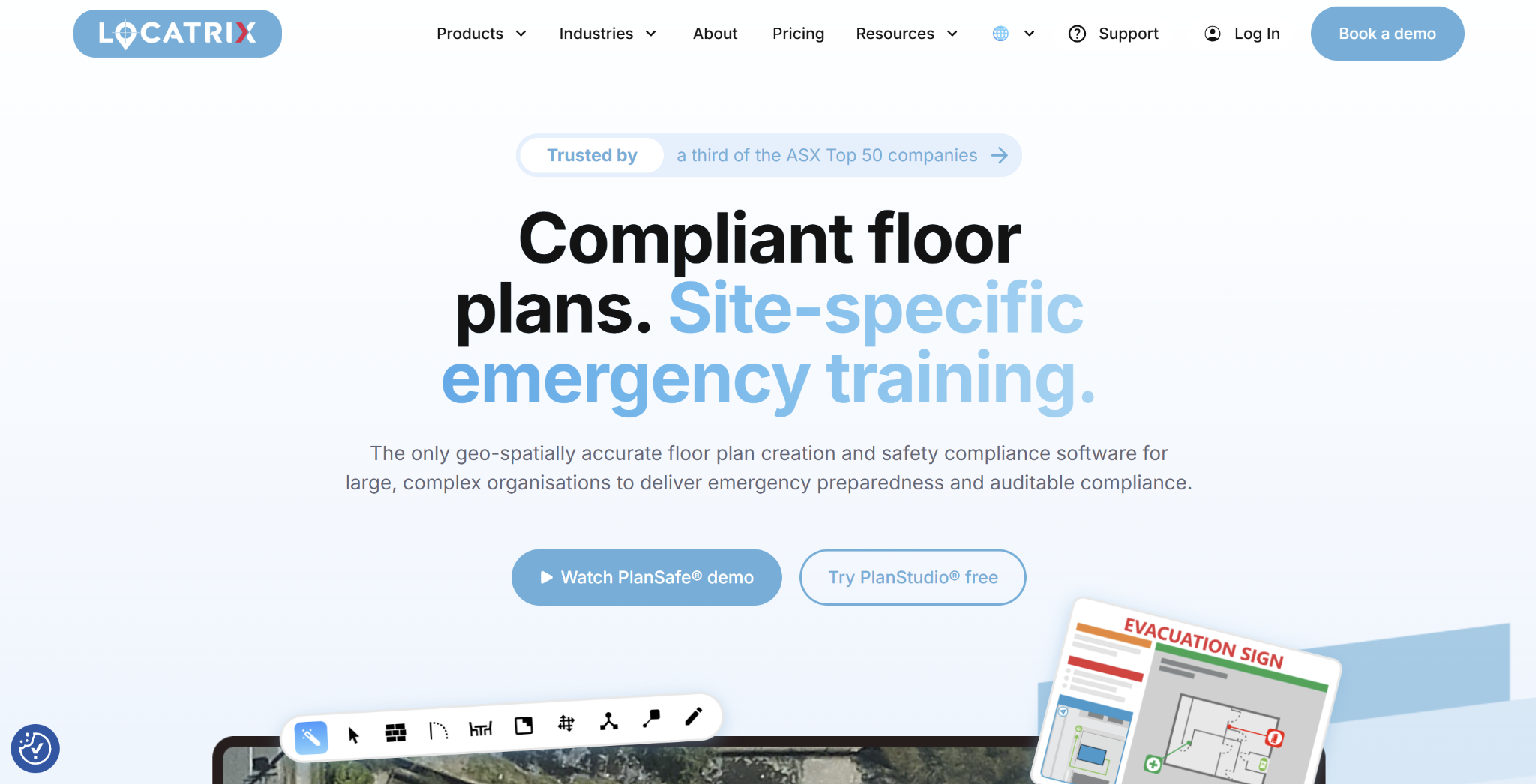
Locatrix is a specialised compliance platform rather than a broad all-purpose EHS or GRC suite.
It comes into its own when the compliance obligation depends on where people actually work, evacuation information needs to reflect the current layout, managers need to know who has completed emergency training for that site and whether the safety team can produce current evidence across a large portfolio.
Locatrix connects all those jobs through one shared building-data layer. PlanStudio® creates and maintains spatially accurate digital floor plans and evacuation information. PlanSafe® uses that building information to deliver site- and role-specific emergency preparedness training and maintain compliance records. Emergency Services Platform (ESP) can then make current building intelligence available to first responders.
It's a strong fit for hospitals, aged care, universities, government, retail and other complex portfolios where building changes, workforce turnover and different emergency arrangements make spreadsheets, static PDFs and generic training increasingly difficult to manage.
Building compliance becomes harder when the information behind it is fragmented or out of date.
PlanStudio® gives organisations a central way to create and maintain spatially accurate digital floor plans, publish evacuation diagrams and record fire-safety assets. Teams can draft in a browser or on an iPad, work from satellite imagery and maintain plan history and version control in the cloud.
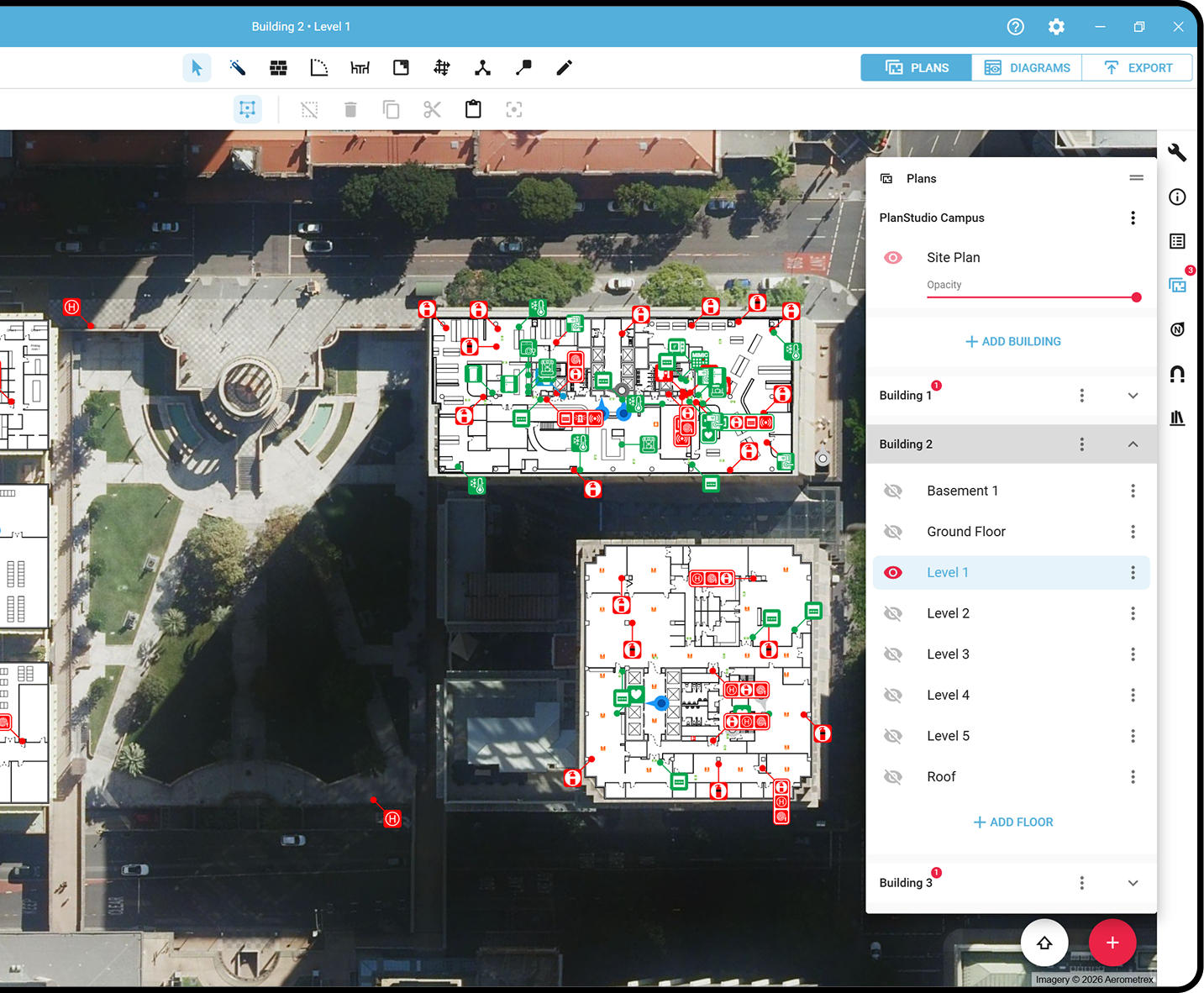
When something changes in the building, you can update the base plan on the evacuation diagram software rather than treating every evacuation diagram as an unrelated graphic file. This enables convenience and efficiency in portfolios where refurbishments, fitouts, equipment changes and new sites are normal rather than exceptional.
Generic compliance training can prove someone completed a course. Emergency preparedness often needs to go further.
PlanSafe® delivers training according to both site and role, so an everyday occupant can receive different information from a warden, contractor or Emergency Control Organisation (ECO) member.
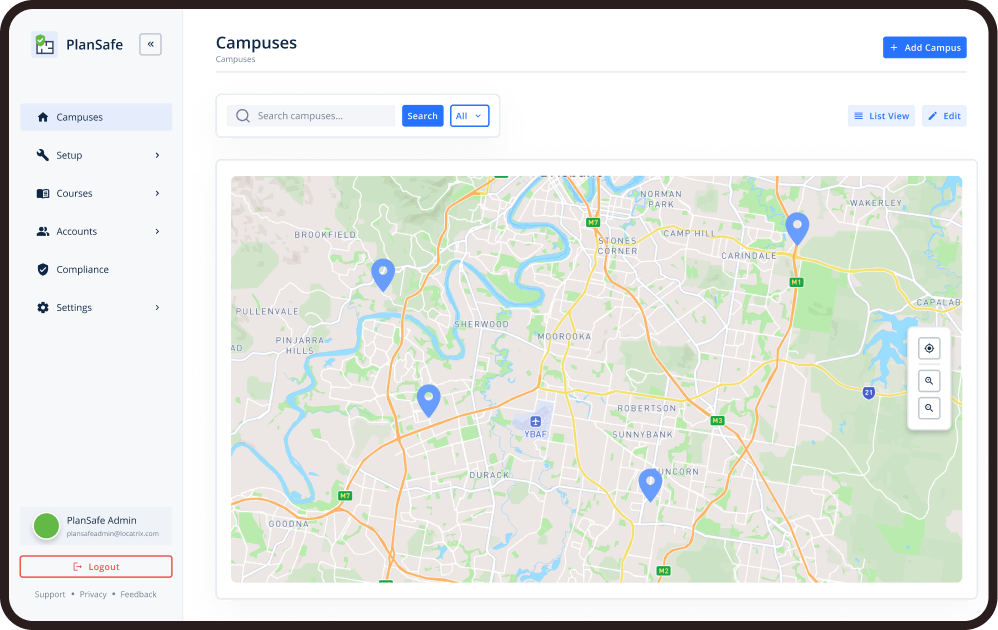
When used with PlanStudio®, you can bring relevant floor plans and evacuation information into the training experience. This means people can learn from the building they actually use instead of relying only on generic fire-safety content.
Online training is available online 24/7, while central records show who completed what training, for which site and role, and when.
A compliance process becomes difficult to manage when evidence sits in local spreadsheets, inboxes, paper records and separate systems.
PlanSafe® gives safety teams a central view of training completion and records across locations. You can report current and historical information without asking each site to assemble its own evidence before an audit.
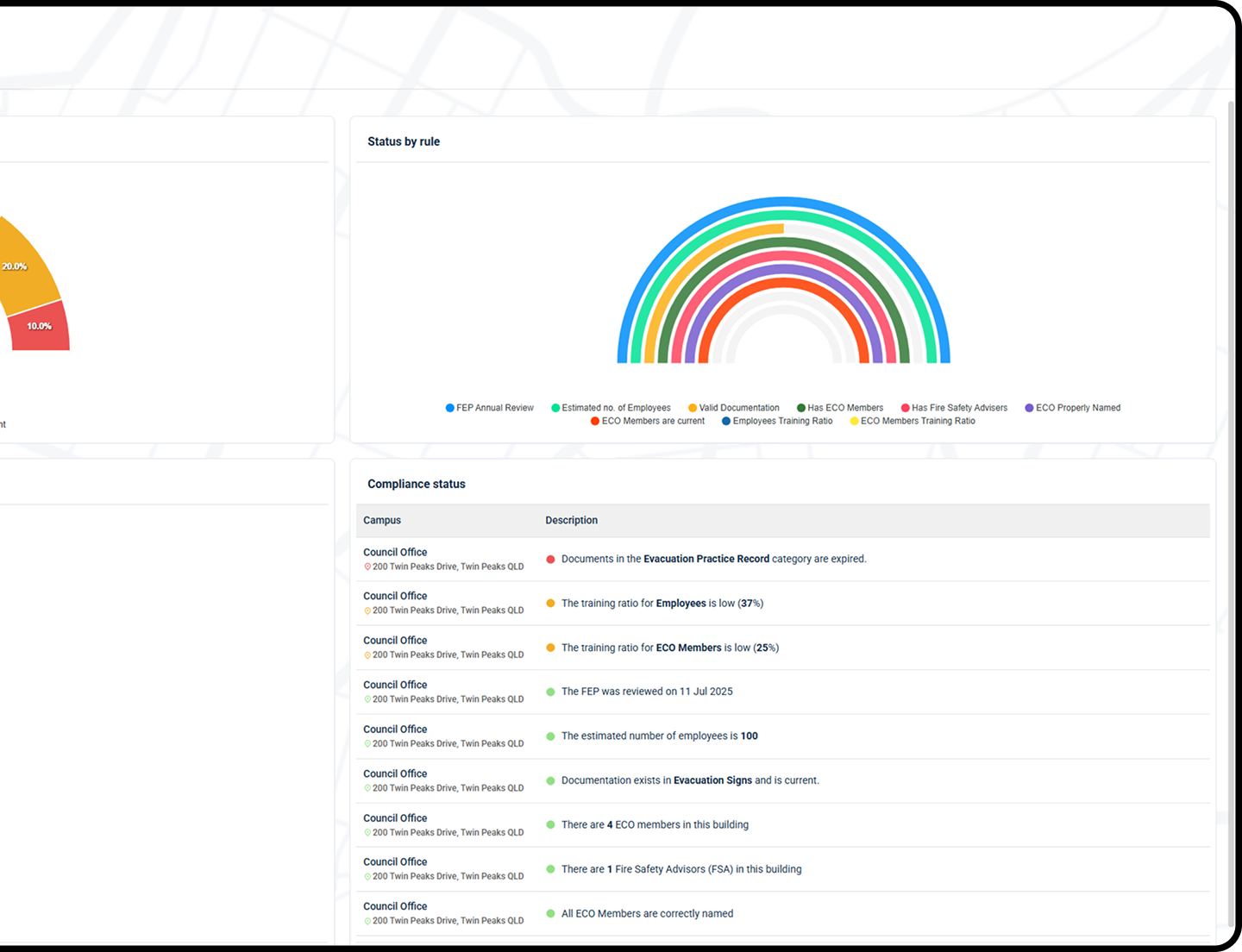
This is particularly useful when a relatively small central safety or facilities team is responsible for dozens or hundreds of buildings.
City of Moreton Bay, for example, uses PlanSafe® across 120 sites, supporting more than 2,000 team members and 80+ roles, with more than 10,000 inductions completed in the past year.
One of the harder compliance problems appears after implementation: keeping everything current. A refurbishment changes the floor plan. Someone updates the evacuation diagram. The emergency training still shows the old layout because it lives somewhere else.
Locatrix reduces that separation by connecting PlanStudio® and PlanSafe® through the same building information. Changes to the maintained floor plan can flow into the emergency-preparedness workflow rather than requiring the organisation to recreate the same information in disconnected places.
For teams managing compliance across complex portfolios, this relationship between current building data and current training is one of Locatrix’s strongest differences from a generic compliance platform.
Large organisations rarely buy compliance software in isolation. PlanSafe® can connect with Learning Management Systems (LMSs) that support SCORM 1.2, with SCORM 2004 available on request. Single Sign-On (SSO) options include ADFS, SAML and OIDC.
Locatrix is ISO/IEC 27001 certified, with core products hosted in Microsoft Azure Australia East and Australia Southeast. Controlled access, encryption and external penetration testing support enterprise security review. So, you get the option to keep your broader HR, LMS or enterprise systems while using Locatrix for the specialised building-safety and emergency-preparedness layer.
As of October 2026, Locatrix pricing is quote-based for both PlanStudio® and PlanSafe®. A 30-day free trial is available for teams that want to test the drafting workflow in PlanStudio® before committing.
Fraser Coast Regional Council uses Locatrix across 42 sites to support emergency and fire-safety induction, annual training and compliance for a workforce of more than 1,000 staff.
“Locatrix provides Council with a visual, easy to use and accessible platform to manage emergency and fire safety induction, annual training and compliance,” says Keith Parsons, Organisational Services Director, Fraser Coast Regional Council
Scenic Rim Regional Council uses PlanStudio® and PlanSafe® across 26 sites, with 1,976 yearly active learners.
"It is a very intuitive system and method of delivering relevant training as well as emergency risk management compliance. The fact that the evacuation diagrams in the building are linked to the online training module with interactive floor plans of our actual buildings is a brilliant concept and one I have not seen previously,” explains Paul Gillen, Work Health and Safety Coordinator, Scenic Rim Regional Council
Want to see how current building information, site-specific training and compliance records work together? Book a demo.
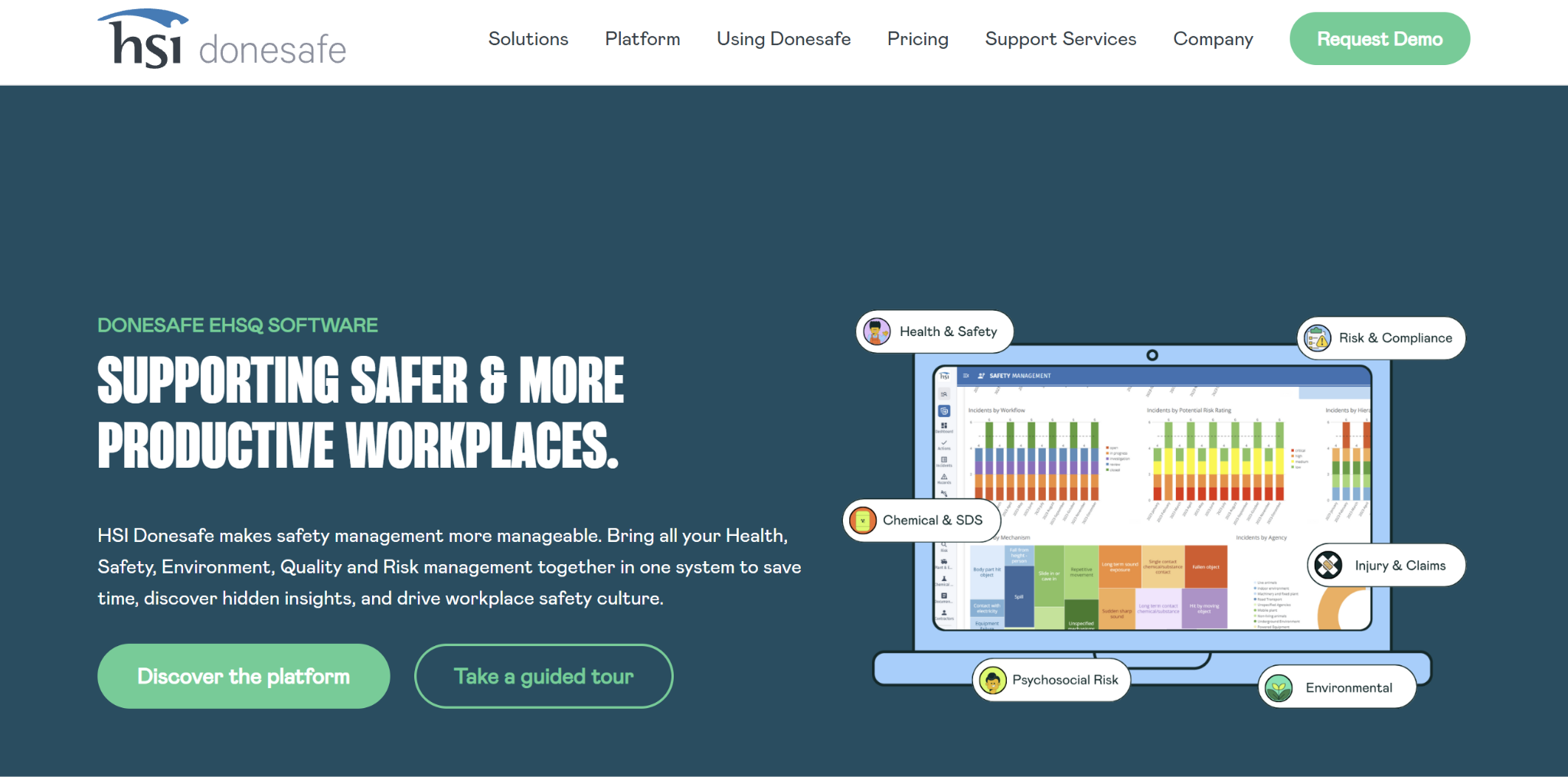
HSI Donesafe takes a much broader approach than Locatrix. It’s a modular Environment, Health, Safety and Quality (EHSQ) platform designed for organisations that want several safety and compliance processes inside one configurable system.
For enterprises trying to consolidate multiple EHSQ processes rather than solve one specialised compliance problem, the no-code breadth is Donesafe’s main advantage.
Donesafe can centralise legal, regulatory, licence, permit and internal compliance obligations. Teams can assign owners, set review frequencies, track verification requirements and use automated notifications as deadlines approach.
Forms, workflows, dashboards and access can be configured without traditional software development with a no-code approach. A safety team can adapt processes around its own approval routes, escalation rules and reporting requirements, while dashboards can show different information according to a user’s role or location.
Donesafe has more than 60 modules that can be selected according to the organisation’s requirements.
The platform covers areas including incident and hazard management, audits, risk, contractor management, chemicals and Safety Data Sheets (SDSs), assets, permits, environmental management, learning, certifications and corrective actions.
Donesafe also includes Learning Management, inductions, certification management and employee-record capabilities.
Training records can therefore sit alongside incidents, licences, contractor information, audits and other compliance data rather than operating as a separate system. This makes Donesafe a better fit than a standalone LMS when training is only one piece of a larger EHSQ program.
As of October 2026, Donesafe uses custom pricing. The quote is based primarily on workforce size and the modules selected, with implementation support and additional requirements also affecting the final cost. Organisations can select only the modules they need initially and add others later.
“I love the flexibility HSI provides, as it allows me to create and adjust without having to deal with a ticket system or contacting a support team for every minor issue.” - Josh K.
“I wish there were a way to create separate checklists and forms for specific locations to cut down on clutter. It would also be helpful to set permissions by location.” - Tyler J.
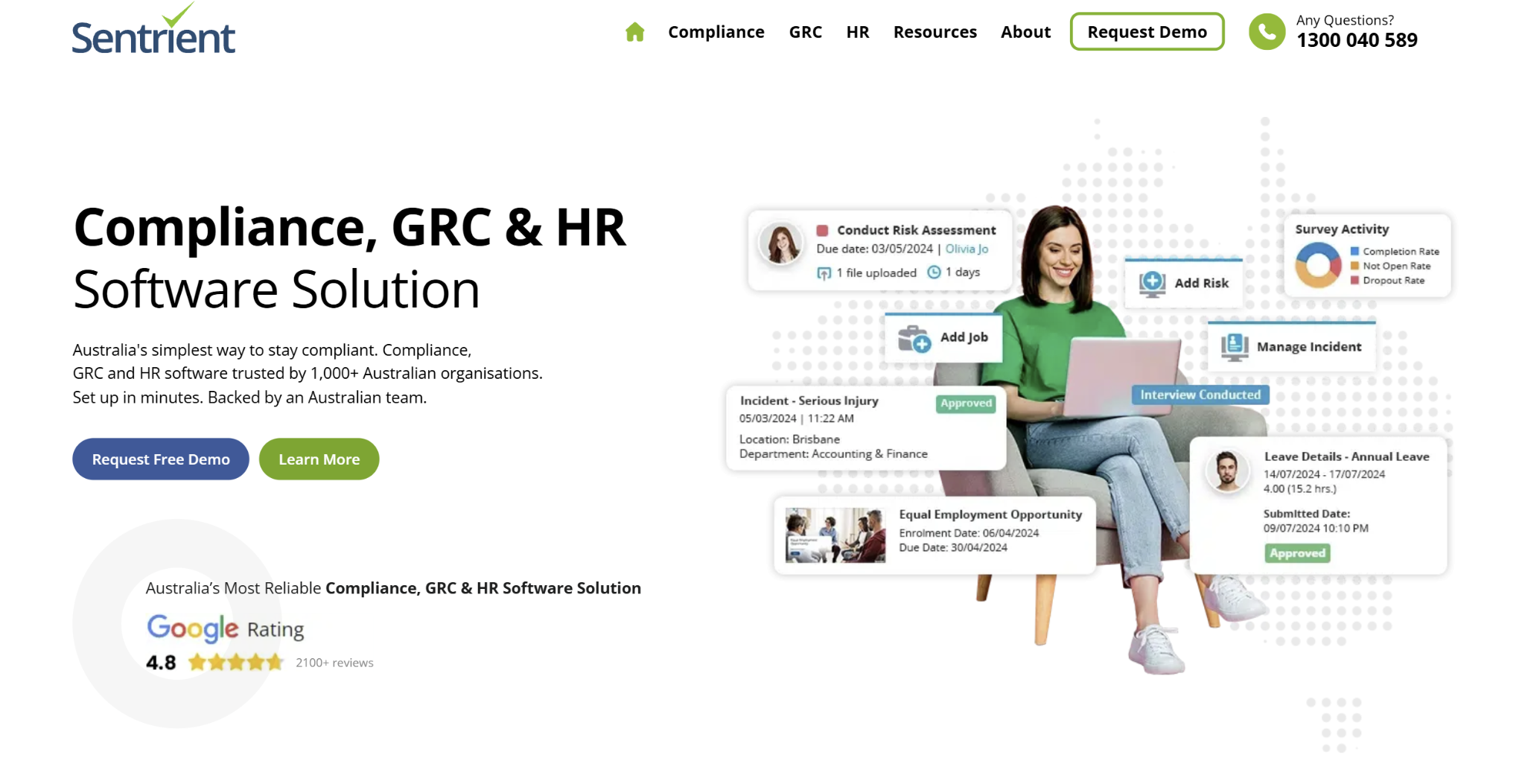
Sentrient is more people- and policy-centred than either Locatrix or Donesafe. Its compliance platform combines legally endorsed Australian and New Zealand training with policy management, employee records, incidents and risks, surveys, inspections and ready-made audit reporting.
And so, it’s more relevant to HR and compliance teams whose main question is: can we show that employees received the right training, acknowledged current policies and hold the required records?
Sentrient’s compliance courses are created with Mills Oakley in Australia and Simpson Grierson in New Zealand.
The library covers topics such as WHS, privacy, workplace bullying, sexual harassment, discrimination, cybersecurity and workplace conduct. Courses are generally designed to take around 15 to 20 minutes and are updated as legislation changes.
Training sits alongside policy assignment and acknowledgement.
Organisations can customise policy templates, assign them to employees and retain evidence that they were read and acknowledged. Records management can also track licences, checks, qualifications, memberships and other credentials, with reminders when records approach expiry.
Sentrient also supports incident and breach reporting, risk records, whistleblower reporting, compliance and safety-culture surveys, inspections and corrective actions.
These functions expand the system beyond an LMS, although the centre of gravity remains workplace compliance and HR rather than the deeper operational EHS model of a platform such as Donesafe.
As of October 2026, Sentrient does not publish a single fixed organisational price. Pricing scales by user count and the courses or platform requirements selected.
“Good support from the customer service and technical team. Sentrient are open to feedback and action things as they say they are going to do.” - Susan
“Some of the course material and tests were too basic and easy to complete. Whilst we do not wish to create a further barrier for completion of modules for staff, I would like to further test their knowledge competence with more challenging tests with the learning modules.” - Seshan
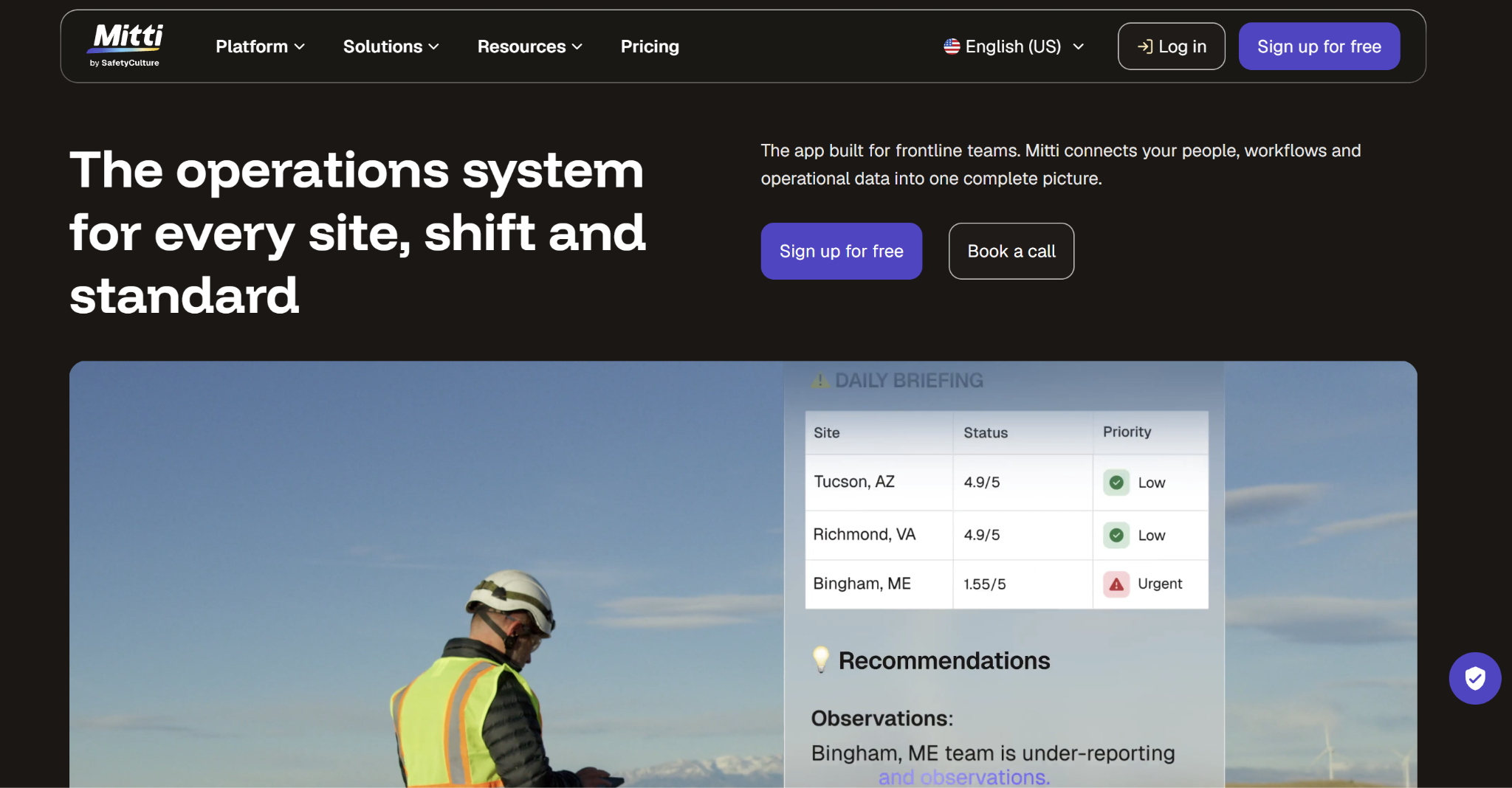
Mitti is built around compliance work happening on the frontline. Its mobile-first approach is designed for workers and supervisors completing operational tasks across sites and shifts, with central teams able to see where action is needed.
The platform is thus relevant when compliance needs to happen during day-to-day operations, rather than being managed mainly through registers by a central governance team.
As of October 2026, Mitti’s Free plan supports up to 10 users with basic inspections, analytics, training, tasks and issue reporting. Premium adds more advanced compliance, training, analytics, integrations and security capabilities. For multi-site operators, Mitti also offers fixed pricing per location with unlimited users at each site.
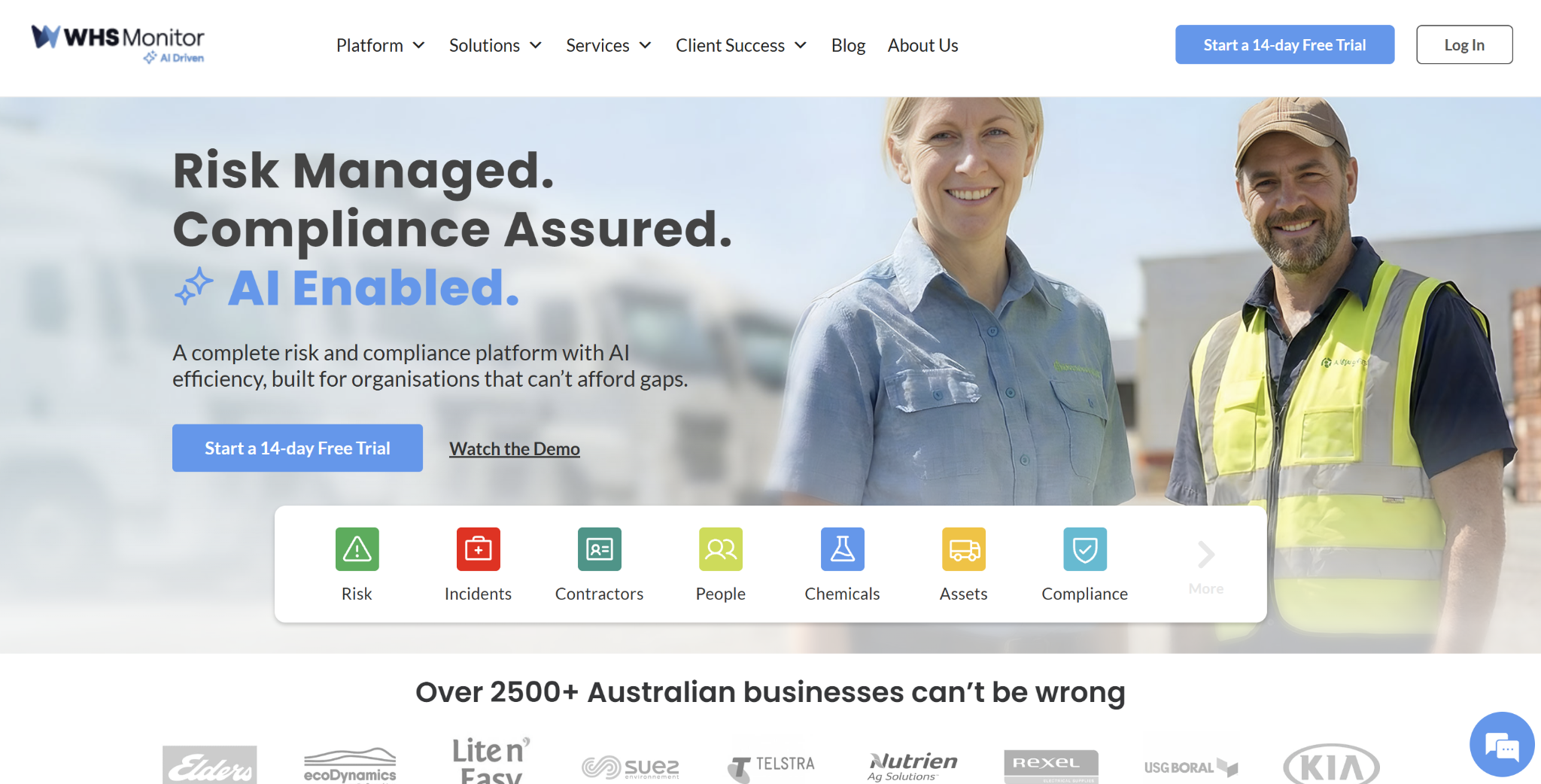
WHS Monitor is an Australian safety and compliance platform focused specifically on Work Health and Safety (WHS). The platform includes more than 140 configurable compliance modules that can be purchased individually or bundled into a broader system. Its scope includes risk, incidents, employees, contractors, audits, chemicals, assets, policies and procedures, reporting and project WHS.
That makes WHS Monitor a strong option when the organisation wants to manage a broad Australian WHS program rather than one specialised area of compliance.
As of October 2026, WHS Monitor uses tailored pricing based on the organisation’s size and the modules required. The platform can be configured for enterprise, large-business and small-to-medium-business deployments, so the final cost depends heavily on the breadth of the compliance system being implemented.
Protecht operates at a different level of compliance from most platforms in this list. It’s an enterprise Governance, Risk and Compliance (GRC) platform designed for organisations managing substantial regulatory obligations and governance requirements.
Its strongest fit is where the central challenge is establishing ownership, maintaining evidence and giving executives, boards or regulators clear visibility into whether obligations and controls are being managed.
As of October 2026, Protecht prices its platform according to the solutions selected, number and type of users, implementation scope and required integrations. That pricing model reflects the product’s enterprise GRC positioning rather than a simple per-user compliance app.
Two businesses can both need compliance software but end up with completely different systems. One may need to prove that fire-safety training is current at every hospital. Another may need contractors to submit licences before arriving on site. A third may be tracking hundreds of legislative obligations for the board.
Four questions can narrow the field quickly.
Begin with the job, not the software category.
If the problem is:
The overlap between products can be substantial, but their centre of gravity is usually quite different.
This is why Locatrix shouldn’t be treated as a replacement for every EHS or GRC platform. Its strongest fit is where compliance depends on the building people actually occupy and their preparedness for an emergency there.
A checklist marked complete is evidence of one thing: the checklist was completed.
An audit typically asks more. You may need to show:
Before purchasing a platform, choose two or three realistic audit requests and ask the vendor to show you how the evidence would be produced.
This often reveals more than a standard feature demonstration.
For distributed organisations, a single corporate process can hide a lot of local variation.
A hospital, university laboratory, retail store and council depot may all sit within one organisation, while having different layouts, risks, occupants and emergency procedures.
If that site context changes what people need to know or do, check whether the software can genuinely manage information by location, rather than simply tagging the same corporate record with a site name.
Locatrix is designed around this distinction. PlanStudio® maintains the building information, while PlanSafe® can use that information to deliver training by site and role.
Central Queensland University is one example. The university reported compliance increasing from under 50% to over 90% across more than 20 locations using PlanSafe®, while expanding its use of Locatrix through PlanStudio®.
Buying software is a one-off project. Compliance, though, is ongoing. Ask what happens when:
The strongest platform is usually not the one that makes the first setup look easiest. It’s the one your team can realistically keep current two or three years later.
For building-safety compliance, this is critical. A static evacuation diagram or training course can become inaccurate as soon as the building changes.
With PlanStudio® and PlanSafe®, the building information and site-specific training can remain connected rather than being updated as separate compliance artefacts.
Broad compliance platforms are valuable when you need to manage EHS, workplace policy, frontline operations or enterprise regulatory obligations.
Locatrix solves a more specialised problem. For complex organisations, PlanStudio® maintains the building information and evacuation diagrams behind emergency preparedness, while PlanSafe® uses that data for site- and role-specific training and compliance records.
The result is a clearer connection between the building, the people inside it and the evidence that they are prepared.
Book a demo to see how Locatrix can support emergency preparedness across your portfolio.
It depends on the compliance problem. Locatrix specialises in building safety and emergency preparedness, while platforms such as Donesafe, WHS Monitor and Protecht cover broader EHS, WHS or GRC requirements.
Compliance management software helps organisations record requirements, assign responsibilities, collect evidence, track completion and report on whether obligations are being met.
WHS software focuses on workplace health and safety processes such as hazards, incidents and risk. Compliance software is broader and can also cover policies, regulations, training, governance and other obligations.
EHS software focuses on environmental, health and safety operations. GRC software usually focuses more broadly on governance, enterprise risk, regulatory obligations, controls and assurance.
Yes. Many platforms support multiple sites, but the depth varies. Check whether the software manages genuinely site-specific information, workflows and evidence rather than simply assigning records to a location.
No. Software can support compliance by improving records, workflows, visibility and evidence, but the organisation remains responsible for meeting the laws, standards and requirements that apply to it.