New Features
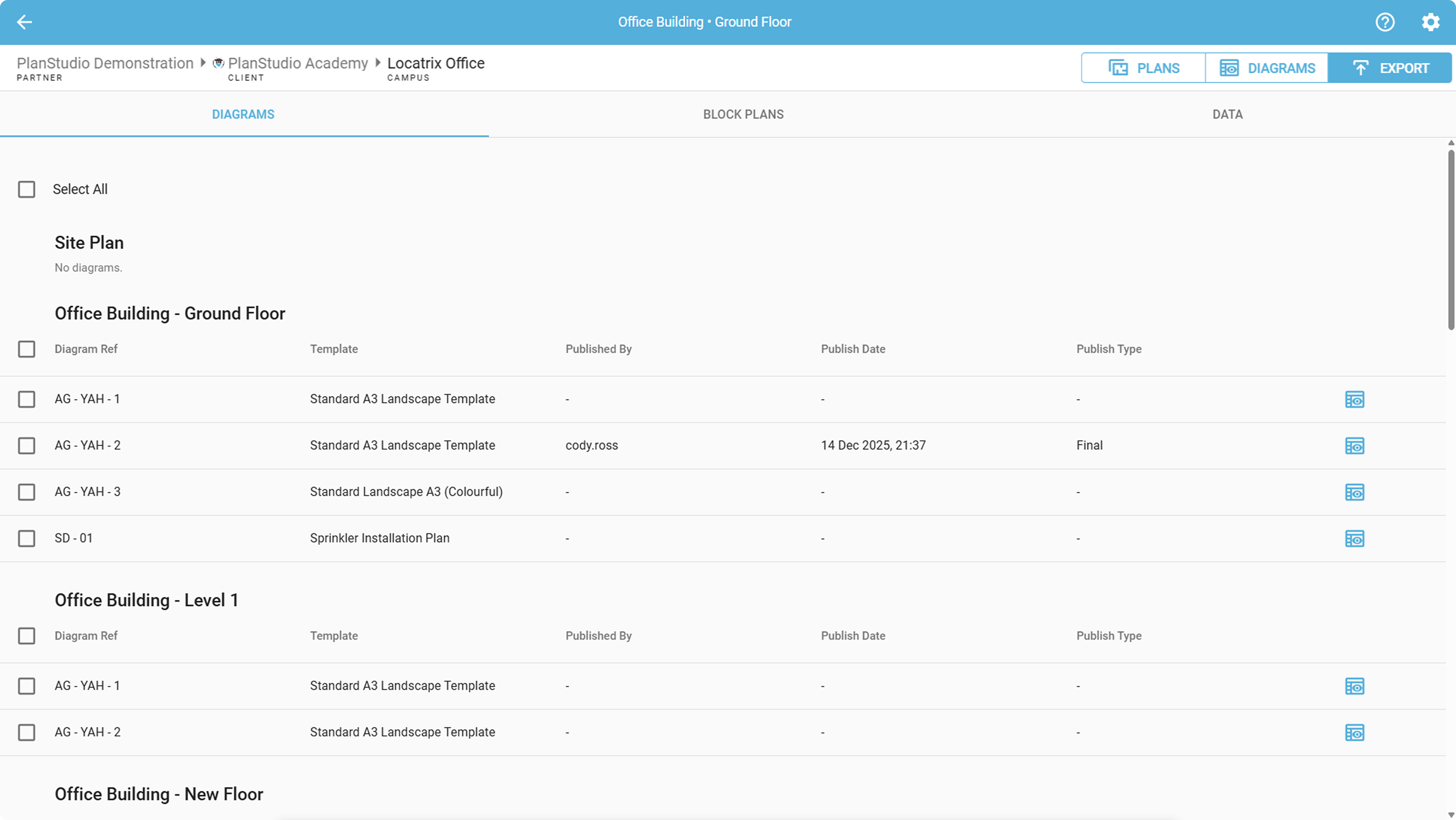
Updated Exporting
- Added a new Exporting tab to the Plan and Diagram Editor, making it easy to bulk export diagrams and data for your whole campus.
- Diagrams: Bulk publish evacuation diagrams.
- Block Plans: Bulk publish block plans.
- Data: Bulk export plans data in CSV, Export various image types and DXF files.
- These exporting options are also available in the Plan Manager.
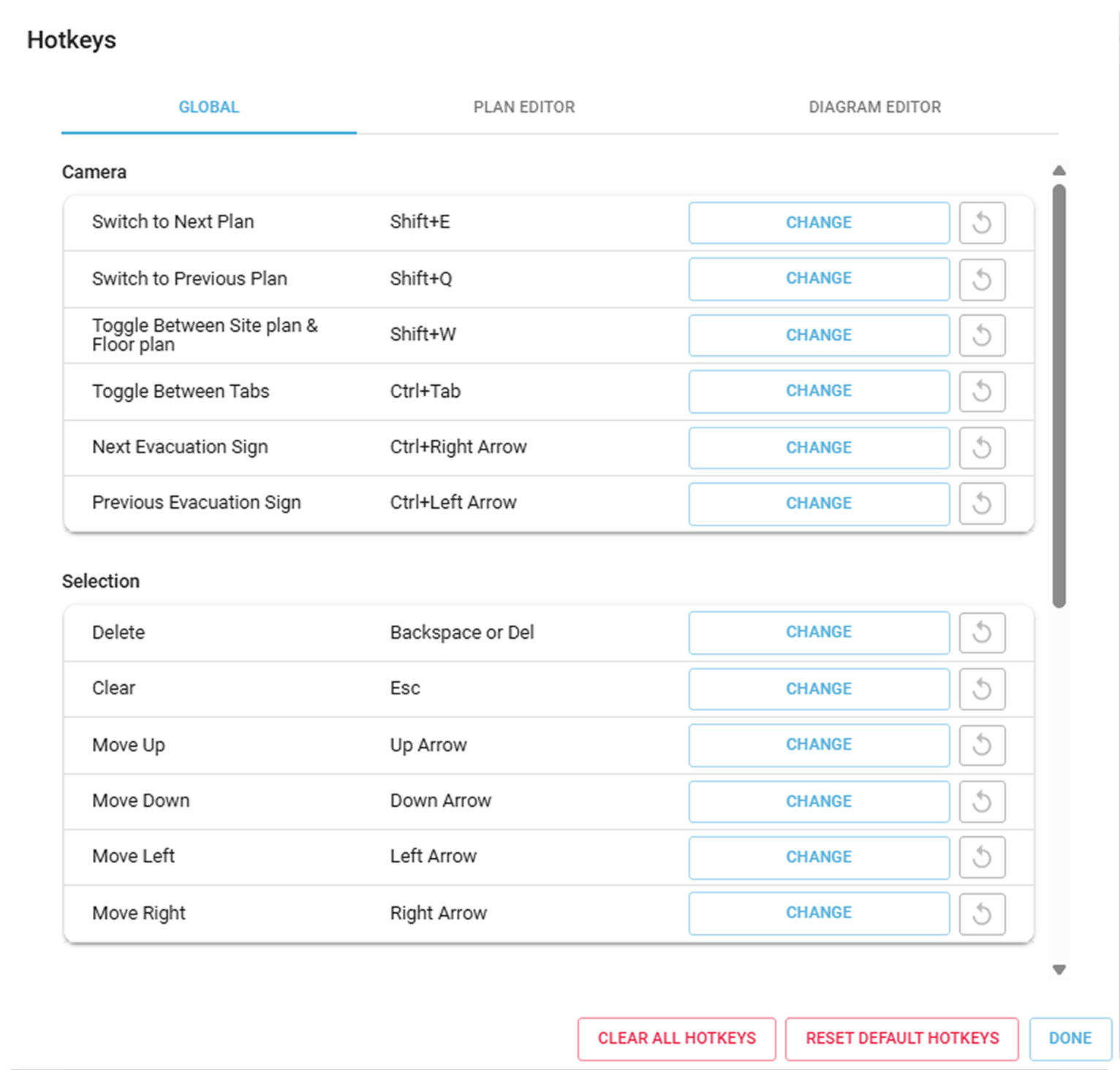
Hotkey Overhaul
- Updated the Hotkey UI so Hotkeys are now organised into tabs and sorted by context for improved usability:
- Global: Available across multiple areas of the application.
- Plan Editor: Available only within the Plan Editor.
- Diagram Editor: Available only within the Diagram Editor.
Expanded the configurable hotkeys to include additional tool modes, panels, toggling settings, and tab switching.
Publishing & Sign History Improvements
- Updating a sign reference on a diagram now preserves the diagram’s publish history.
- Creating a sign using a previously deleted sign reference will inherit the original sign’s history.
General Improvements
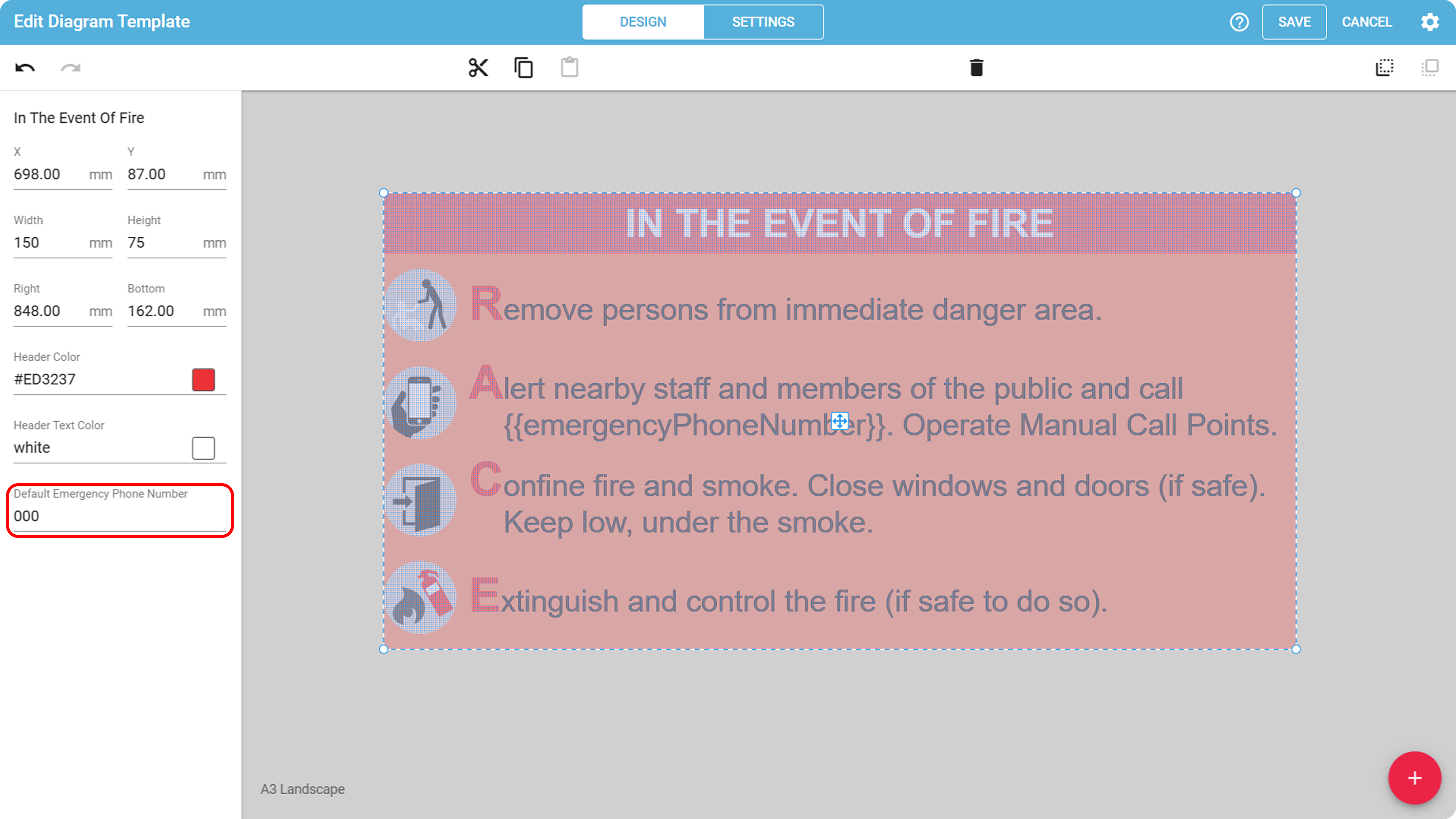
- Added a default Emergency Phone field to the diagram template editor (defaults to 000).
- If no emergency number is set in diagram content, this value will be used during publishing.
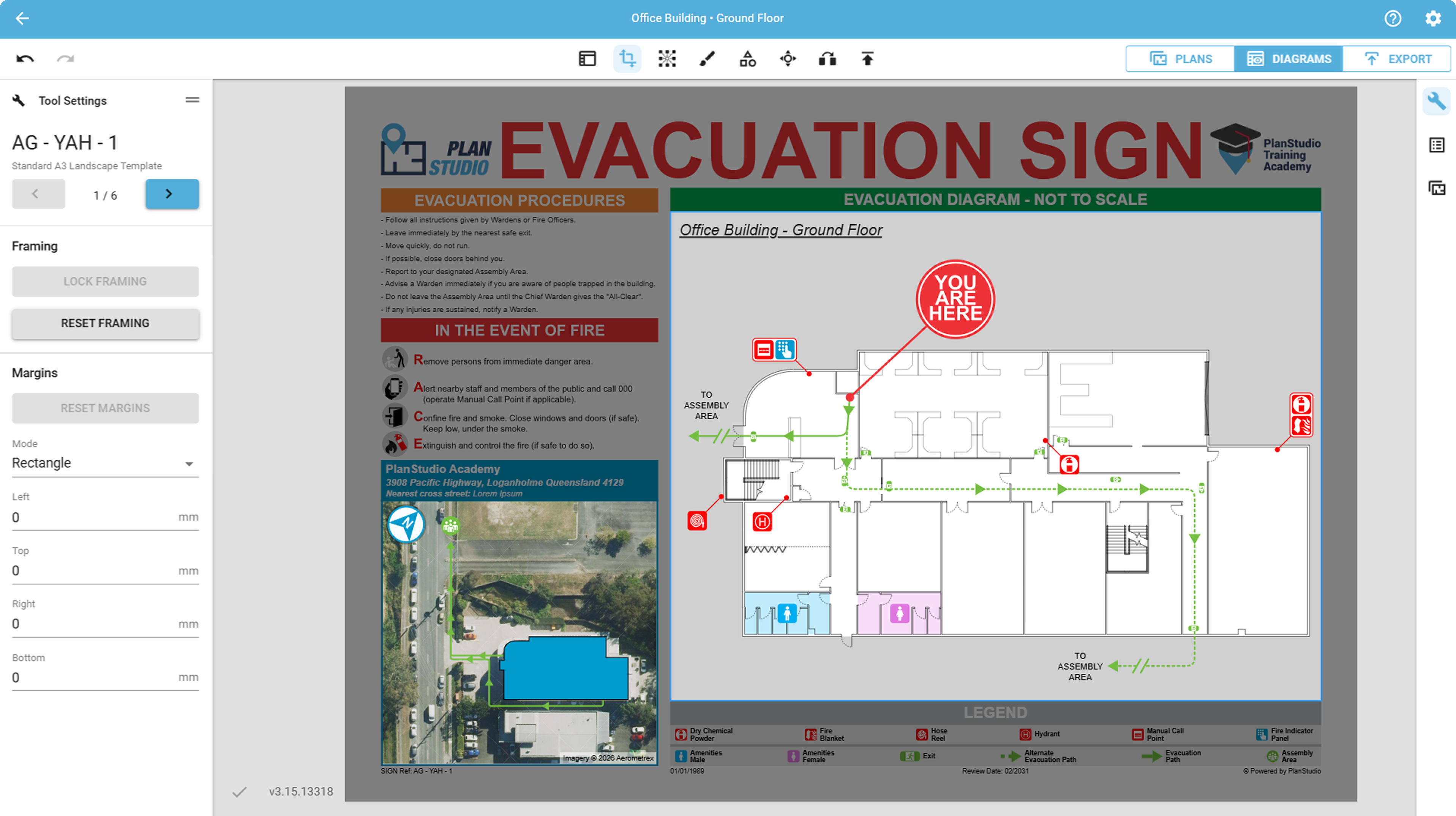
- Updates to Tool Bar UI
- Improved the position and alignment of icons in the toolbar for better consistency.
- The Diagram editor toolbar now Highlights selected tool for a more consistent experience.
- Framing and margin tools in the Diagram Editor have been combined into a single tool.
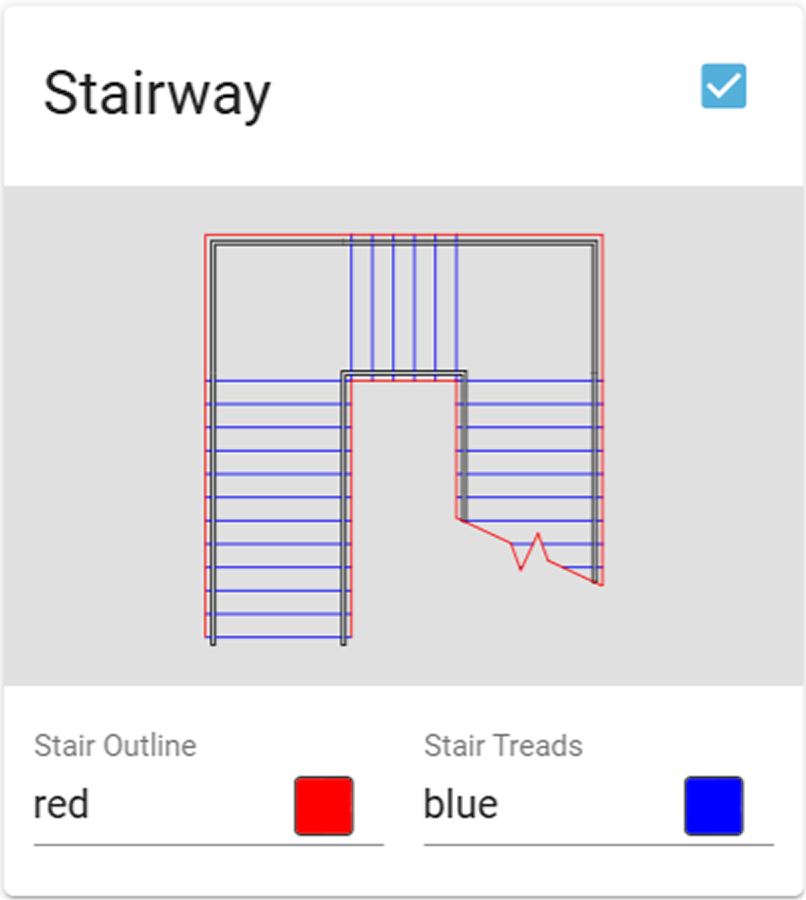
- The Theme Editor now supports secondary colours for stairs.
- Zoned icons now scale down when zooming out, consistent with leaderline icon behaviour.
- Room labels now appear over building footprints on site plans.
- Improved translations; Mandarin characters now publish correctly on diagrams.
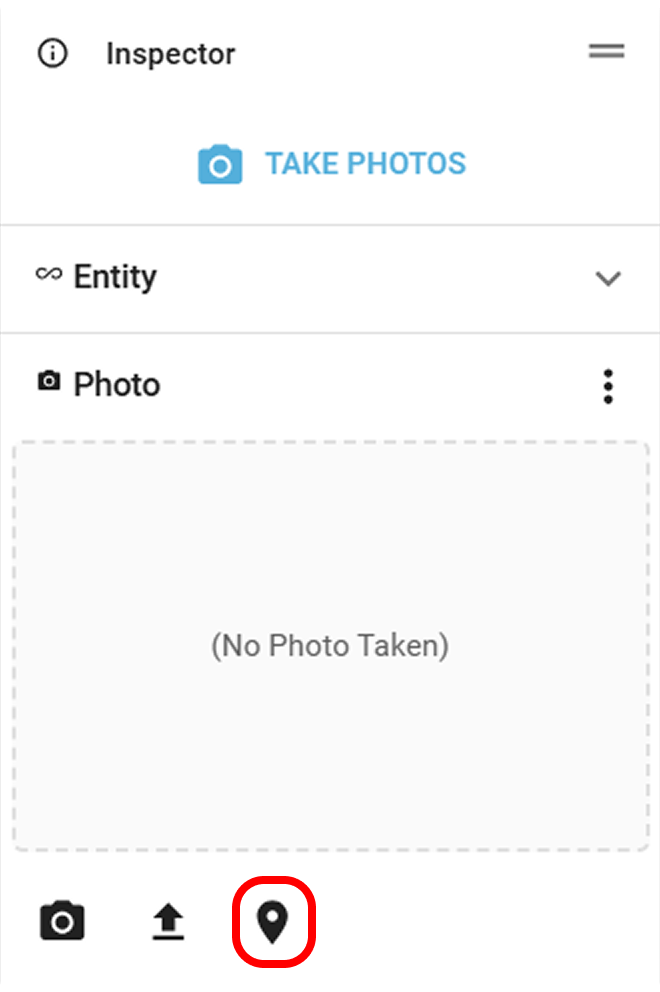
- Image annotations containing GPS data are no longer placed automatically.
- Location placement can now be triggered manually using the new Pin button in the photo inspector.
- Stability and performance improvements across the application.
Bug Fixes
- Fixed an issue where photo annotations were placed incorrectly on certain components.
- Resolved an issue where the visibility toggle in the Browser Panel did not work for individual network components.
- Fixed an issue to prevent AA’s from being added to floor plans and being used as evacuation targets
- Fixed an issue causing YouTube videos to not play on iOS.
.png)